To start off the project, we completed a stakeholder interview with the School of Education where we started to find major pain points and asked questions to clarify the issues users faced and asked how we could address their problems. We walked away from this interview with many valuable insights and found that we wanted to create a user-friendly, streamlined website that directed students to the correct resources while simplifying the navigation and improving the content design.
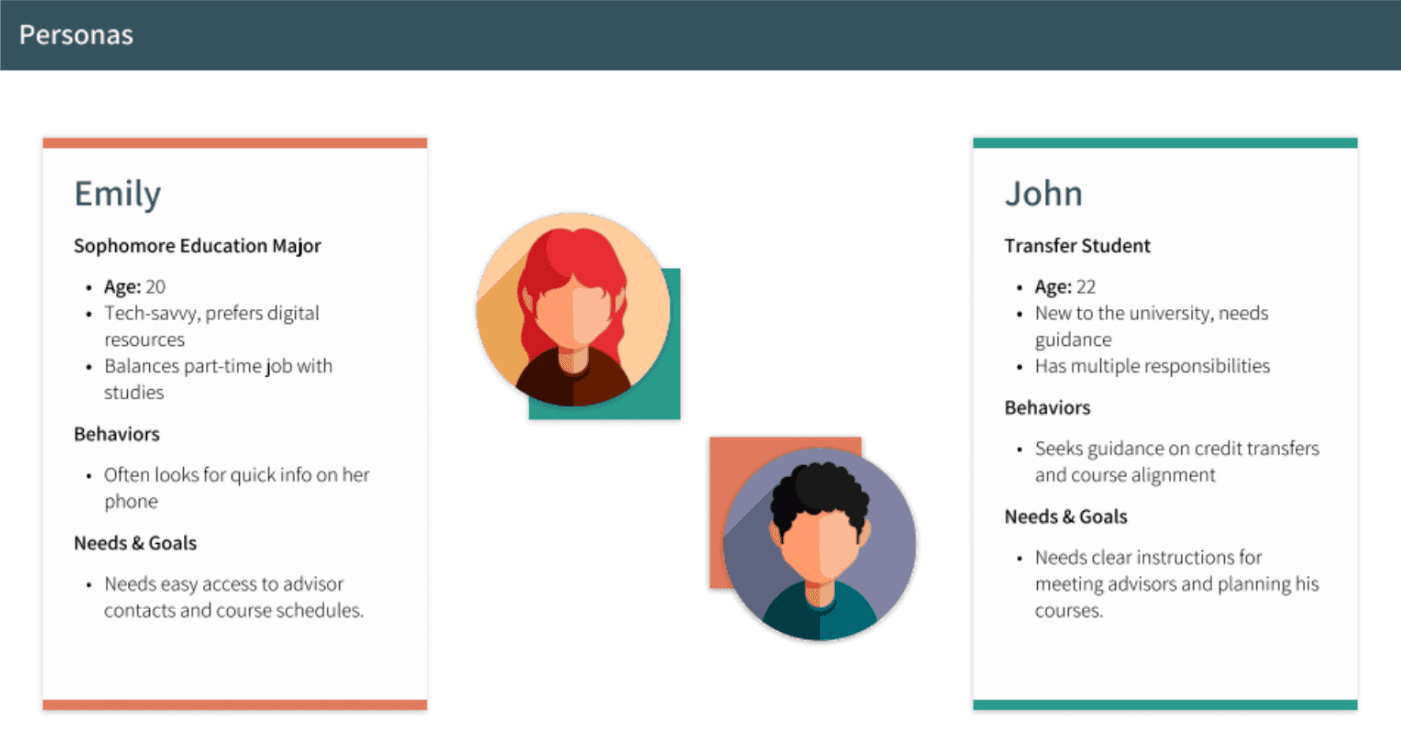
We then created two personas that we believed would be using the site and used these throughout the semester.
UVU School of Education Site Redesign
Overview
The Process
The Goal Shifts...
What we improved
Conclusion
Skills Gained
The Before (Page 1 Redesign)
The Before (Page 2 Redesign)
The Before (Page 3 Redesign)
The After
The After
The After
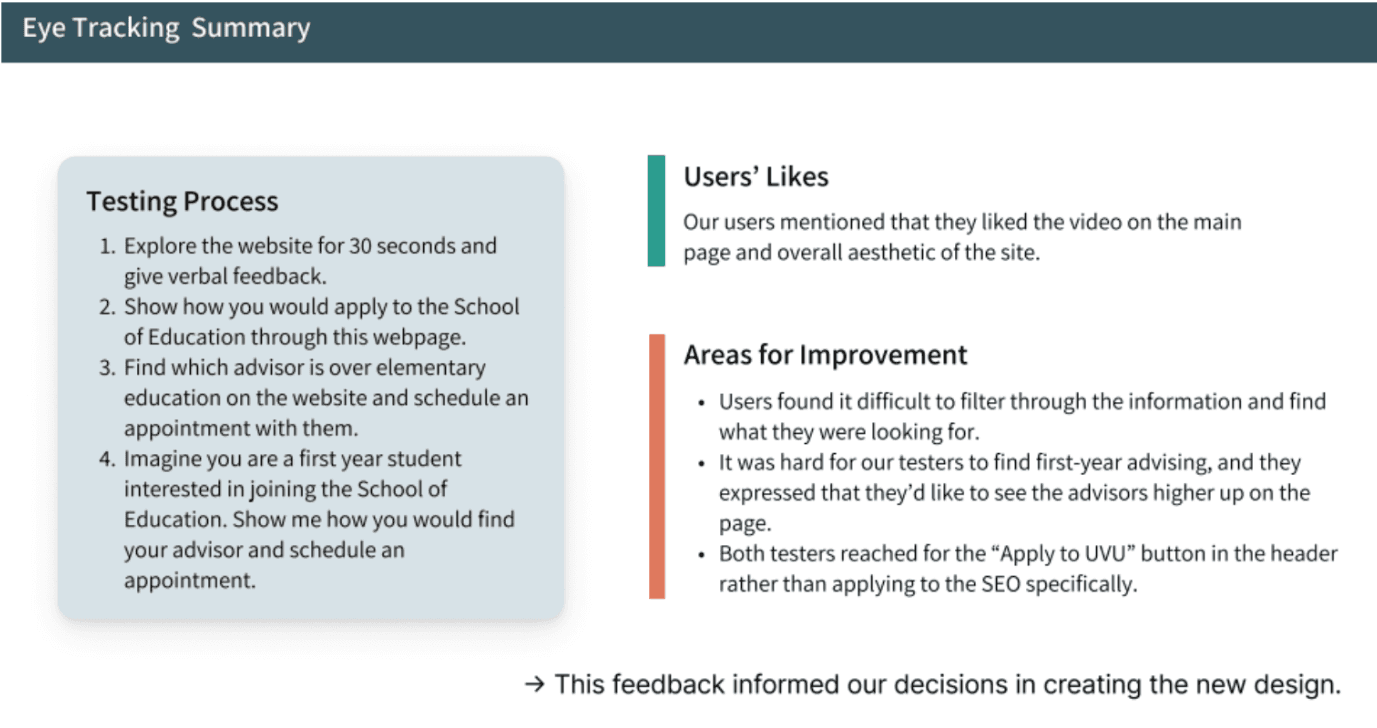
Our next goal was to complete an eye-tracking study with multiple participants and pinpoint the exact moments and struggles the users faced. We went through a four step testing process and asked the same questions to each participant in order to get the most accurate results. On the next image, you can see the overview of the testing process as well as the user’s likes and areas of improvement.
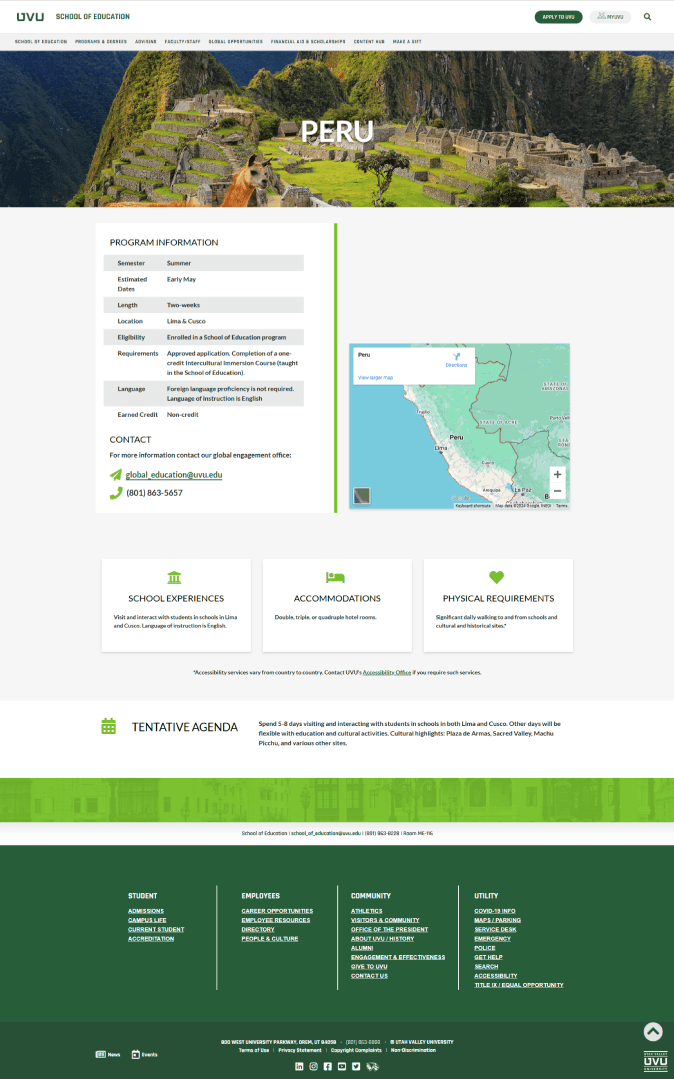
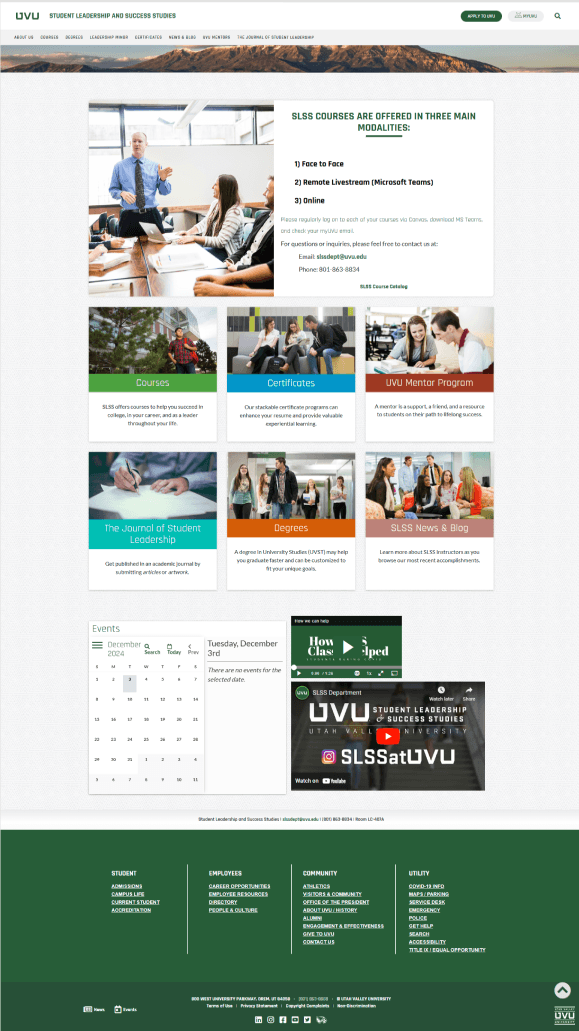
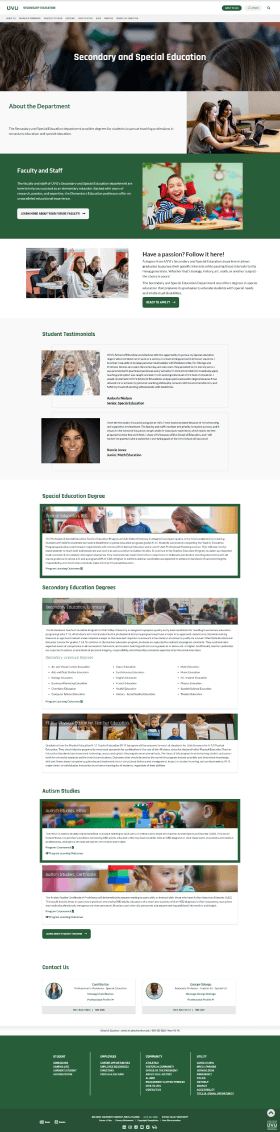
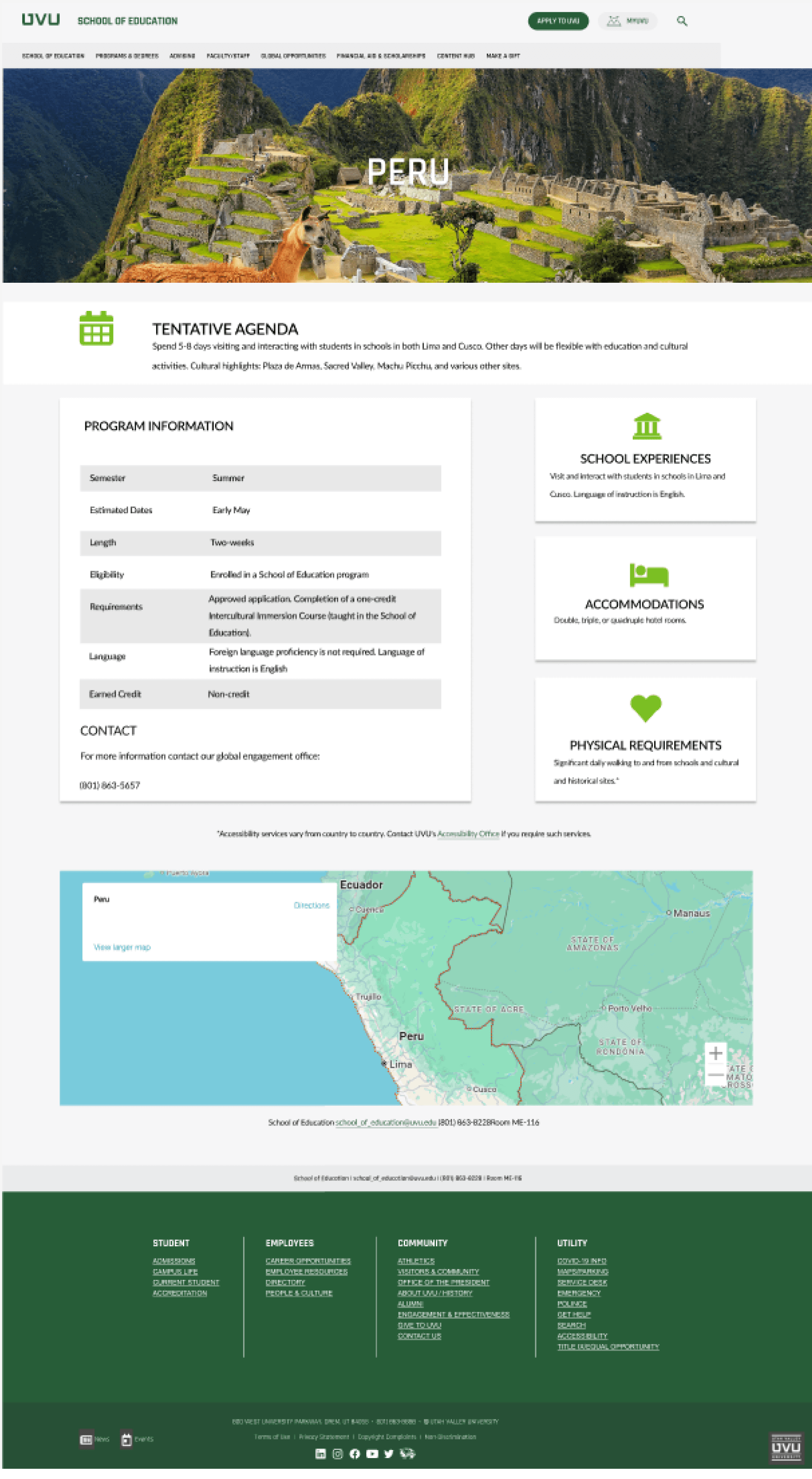
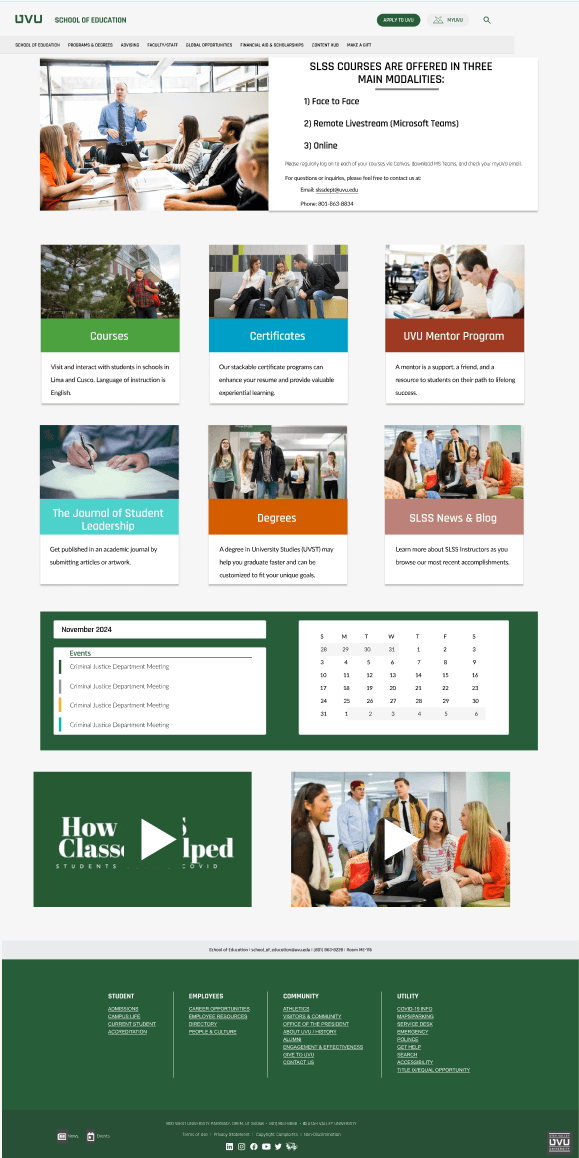
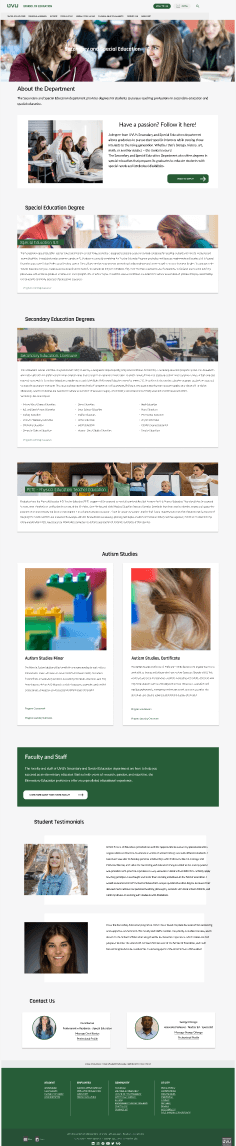
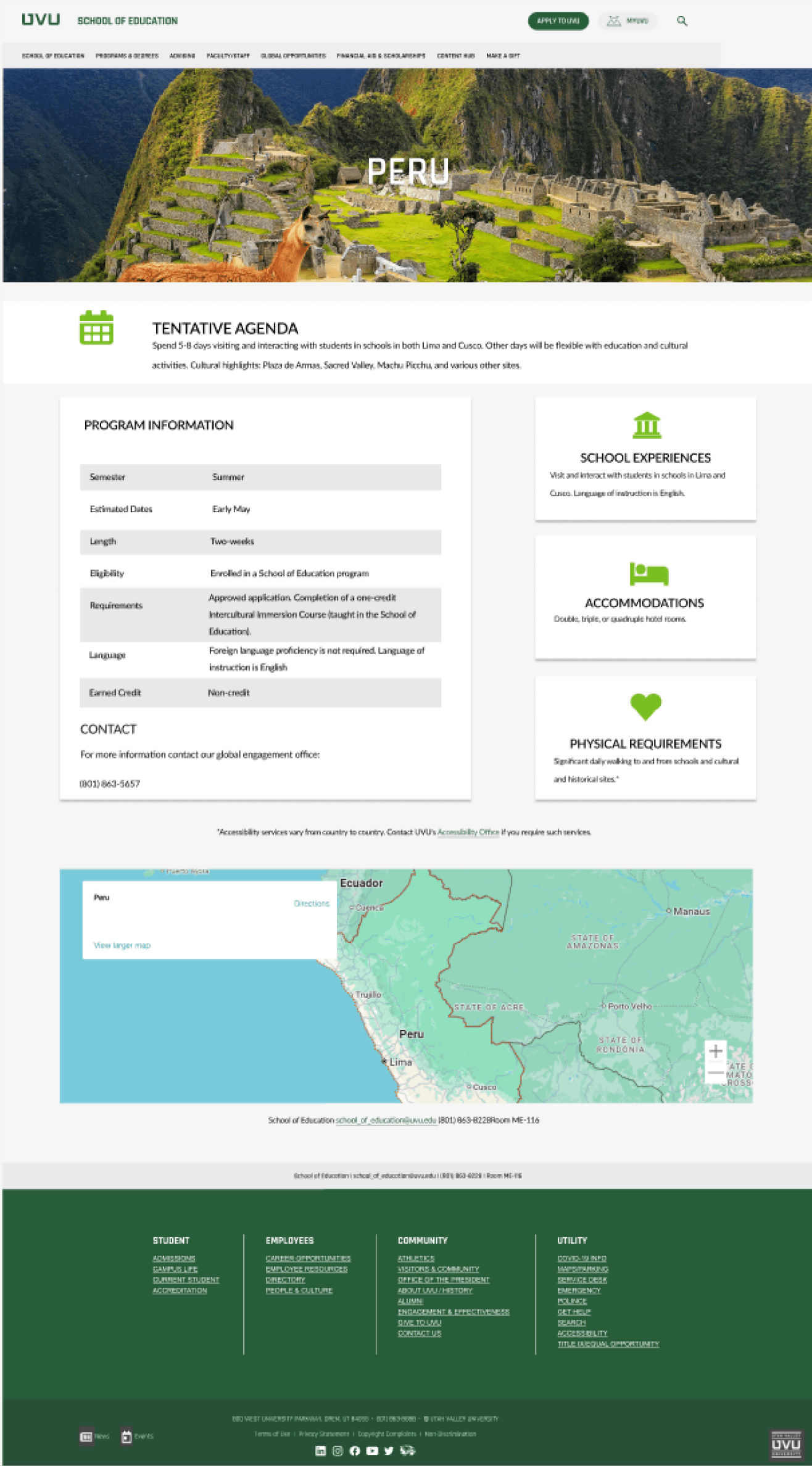
As we completed the eye-tracking study, our focus from just redesigning just the advising page shifted to redesigning multiple pages on their site to improve usability and organization. After the study we realized the issues on the School of Education's site extended beyond the advising page, and required changes across the site. We wanted to fully address the problem and create something that went above the base requirements for this project. Below are the pages I was tasked to redesign and what they looked like afterwards.
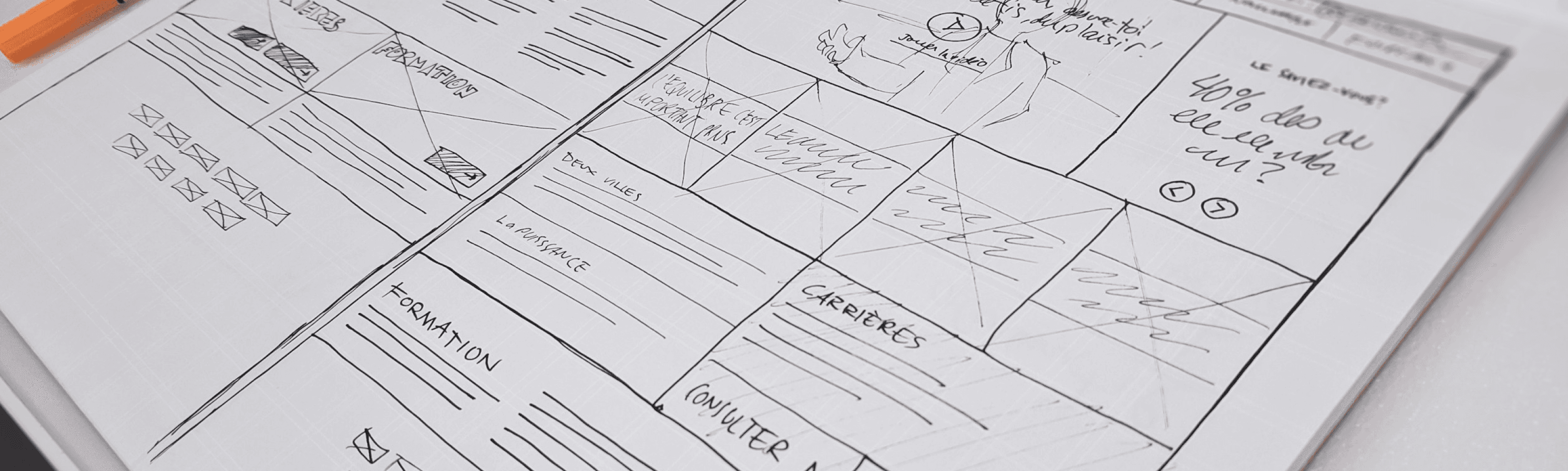
For the redesign, we changed and improved five areas on their site. To start the design process, we created base sketches, turned them into wireframes, made surface comps, and then turned them into a high-fidelity prototype. Our high-fidelity prototype improved user usability and allowed for easy navigation. These changes included shifting the advisor information to the top of the advising page, highlighting the first-year advising information, adding application steps, improving the navigation, and simplifying the content.
Finally, to test our prototype's usability, we completed a final usability test with multiple participants. We found the user was easily able to find their correct advisor and differentiate between a first-year advisor vs one for the School of Education. We also found the users appreciated the layout and hierarchy of information they were presented on our site redesign.
During this project, I felt like I grew as a UX designer because I learned valuable skills in user testing and learned how to pinpoint problems users faced and solve those problems. I was pushed to think outside of the box and create something that was simplified, user-friendly, and met the users needs. I enjoyed the entire design process and realized each individual step we took helped to create an end result our team was proud of. In the end, I believe the skills I gained from this project are valuable to my future career path, and I can’t wait to do similar projects!
Eye-Tracking Study
User Testing
Figma
Wireframing
Heat-Map Analysis
Prototyping
Usability Testing
For a group project in one of my classes, The School of Education at UVU presented a major problem they faced to our class; a disorganized site where students struggled to find the correct advisors or resources while being overloaded with information. We were given the opportunity to address their problem and redesign their site throughout the semester in a group of six.

UVU School of Education Site Redesign
Overview
The Process
The Goal Shifts...
What we improved
Conclusion
Skills Gained
The Before (Page 1 Redesign)
The Before (Page 2 Redesign)
The Before (Page 3 Redesign)
The After
The After
The After
For a group project in one of my classes, The School of Education at UVU presented a major problem they faced to our class; a disorganized site where students struggled to find the correct advisors or resources while being overloaded with information. We were given the opportunity to address their problem and redesign their site throughout the semester in a group of six.
To start off the project, we completed a stakeholder interview with the School of Education where we started to find major pain points and asked questions to clarify the issues users faced and asked how we could address their problems. We walked away from this interview with many valuable insights and found that we wanted to create a user-friendly, streamlined website that directed students to the correct resources while simplifying the navigation and improving the content design.
We then created two personas that we believed would be using the site and used these throughout the semester.
Our next goal was to complete an eye-tracking study with multiple participants and pinpoint the exact moments and struggles the users faced. We went through a four step testing process and asked the same questions to each participant in order to get the most accurate results. On the next image, you can see the overview of the testing process as well as the user’s likes and areas of improvement.
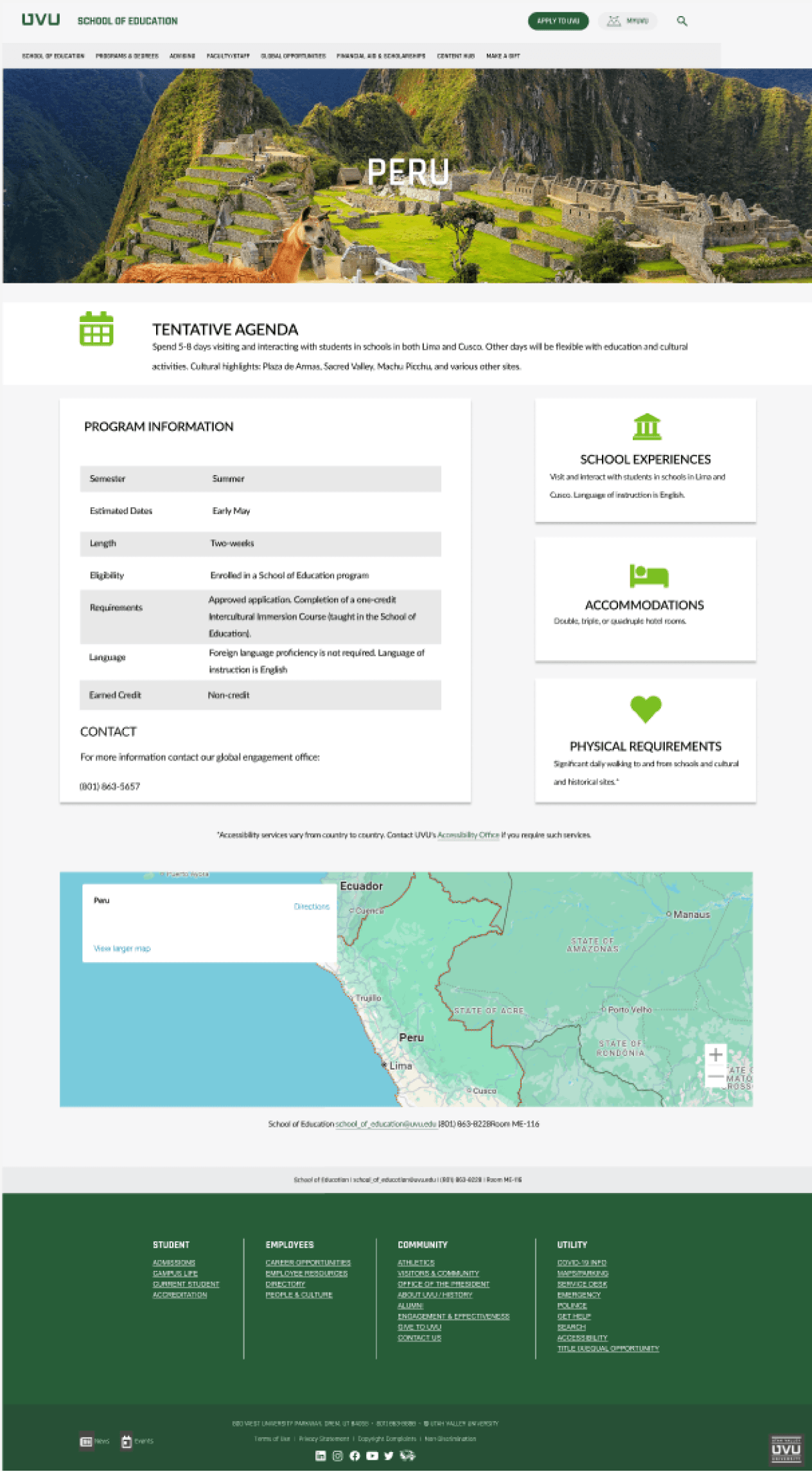
As we completed the eye-tracking study, our focus from just redesigning just the advising page shifted to redesigning multiple pages on their site to improve usability and organization. After the study we realized the issues on the School of Education's site extended beyond the advising page, and required changes across the site. We wanted to fully address the problem and create something that went above the base requirements for this project. Below are the pages I was tasked to redesign and what they looked like afterwards.
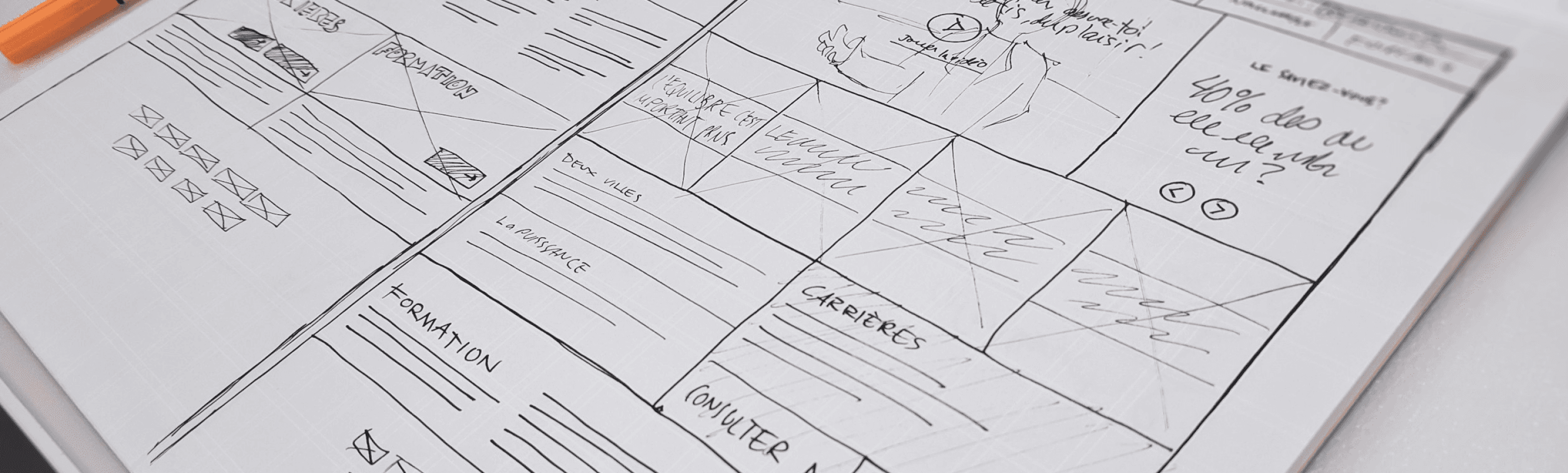
For the redesign, we changed and improved five areas on their site. To start the design process, we created base sketches, turned them into wireframes, made surface comps, and then turned them into a high-fidelity prototype. Our high-fidelity prototype improved user usability and allowed for easy navigation. These changes included shifting the advisor information to the top of the advising page, highlighting the first-year advising information, adding application steps, improving the navigation, and simplifying the content.
Finally, to test our prototype's usability, we completed a final usability test with multiple participants. We found the user was easily able to find their correct advisor and differentiate between a first-year advisor vs one for the School of Education. We also found the users appreciated the layout and hierarchy of information they were presented on our site redesign.
During this project, I felt like I grew as a UX designer because I learned valuable skills in user testing and learned how to pinpoint problems users faced and solve those problems. I was pushed to think outside of the box and create something that was simplified, user-friendly, and met the users needs. I enjoyed the entire design process and realized each individual step we took helped to create an end result our team was proud of. In the end, I believe the skills I gained from this project are valuable to my future career path, and I can’t wait to do similar projects!
Eye-Tracking Study
User Testing
Figma
Wireframing
Heat-Map Analysis
Prototyping
Usability Testing
UVU School of Education Site Redesign
Overview
The Process
The Goal Shifts...
What we improved
Conclusion
Skills Gained
The Before (Page 1 Redesign)
The Before (Page 2 Redesign)
The Before (Page 3 Redesign)
The After
The After
The After
For a group project in one of my classes, The School of Education at UVU presented a major problem they faced to our class; a disorganized site where students struggled to find the correct advisors or resources while being overloaded with information. We were given the opportunity to address their problem and redesign their site throughout the semester in a group of six.
To start off the project, we completed a stakeholder interview with the School of Education where we started to find major pain points and asked questions to clarify the issues users faced and asked how we could address their problems. We walked away from this interview with many valuable insights and found that we wanted to create a user-friendly, streamlined website that directed students to the correct resources while simplifying the navigation and improving the content design.
We then created two personas that we believed would be using the site and used these throughout the semester.
Our next goal was to complete an eye-tracking study with multiple participants and pinpoint the exact moments and struggles the users faced. We went through a four step testing process and asked the same questions to each participant in order to get the most accurate results. On the next image, you can see the overview of the testing process as well as the user’s likes and areas of improvement.
As we completed the eye-tracking study, our focus from just redesigning just the advising page shifted to redesigning multiple pages on their site to improve usability and organization. After the study we realized the issues on the School of Education's site extended beyond the advising page, and required changes across the site. We wanted to fully address the problem and create something that went above the base requirements for this project. Below are the pages I was tasked to redesign and what they looked like afterwards.
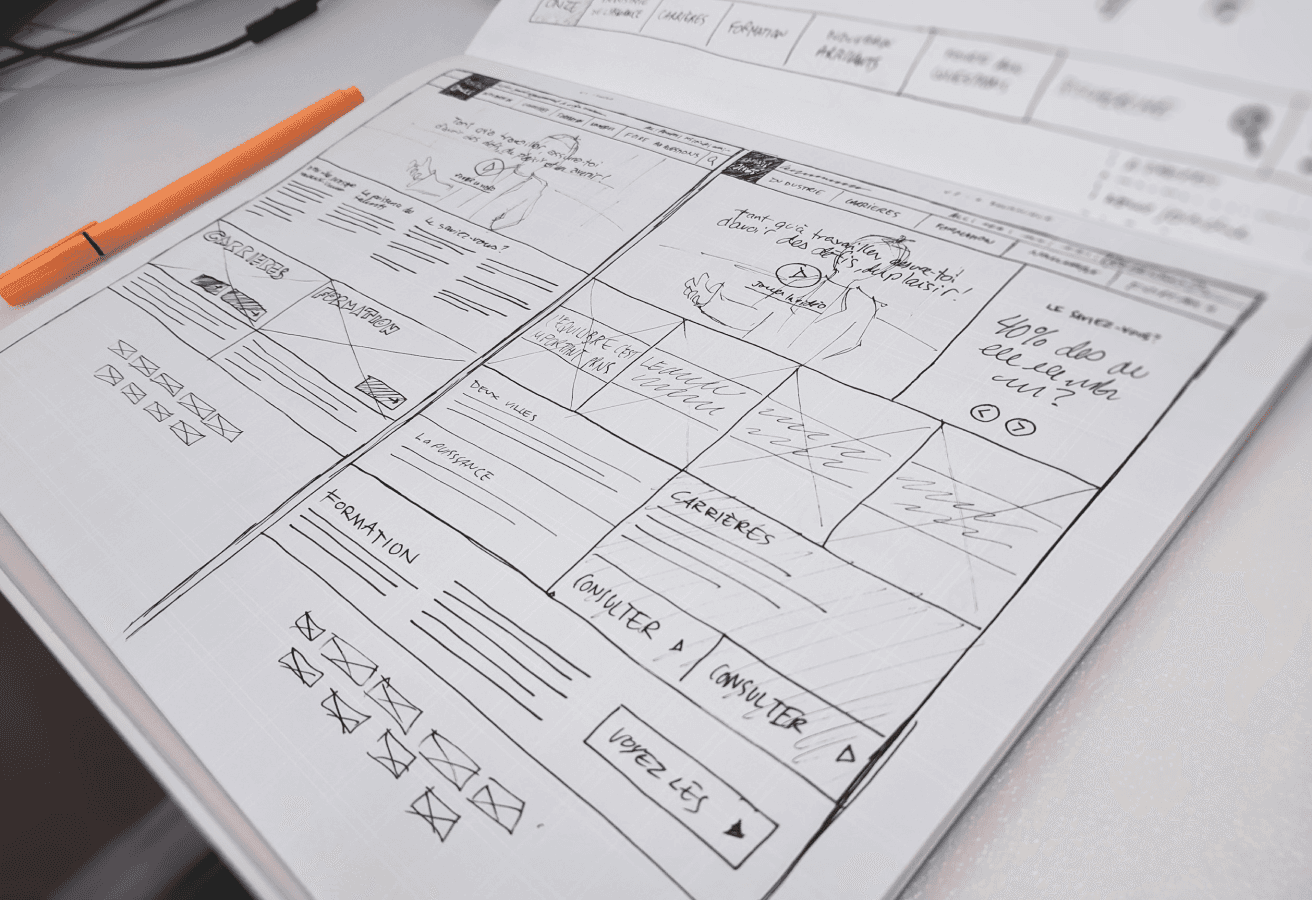
For the redesign, we changed and improved five areas on their site. To start the design process, we created base sketches, turned them into wireframes, made surface comps, and then turned them into a high-fidelity prototype. Our high-fidelity prototype improved user usability and allowed for easy navigation. These changes included shifting the advisor information to the top of the advising page, highlighting the first-year advising information, adding application steps, improving the navigation, and simplifying the content.
Finally, to test our prototype's usability, we completed a final usability test with multiple participants. We found the user was easily able to find their correct advisor and differentiate between a first-year advisor vs one for the School of Education. We also found the users appreciated the layout and hierarchy of information they were presented on our site redesign.
During this project, I felt like I grew as a UX designer because I learned valuable skills in user testing and learned how to pinpoint problems users faced and solve those problems. I was pushed to think outside of the box and create something that was simplified, user-friendly, and met the users needs. I enjoyed the entire design process and realized each individual step we took helped to create an end result our team was proud of. In the end, I believe the skills I gained from this project are valuable to my future career path, and I can’t wait to do similar projects!
Eye-Tracking Study
User Testing
Figma
Wireframing
Heat-Map Analysis
Prototyping
Usability Testing